A launcher where every palette is an extension.
pal is a keyboard launcher for macOS and Linux. One hotkey, one search box over your apps, files, clipboard, calendar, GitHub and 83 more palettes, each a TypeScript extension you can read, change and write. Open source, MIT.
v0.17.4. macOS 11 or newer, Apple silicon (Intel build). Linux as an AppImage (deb). What's new.

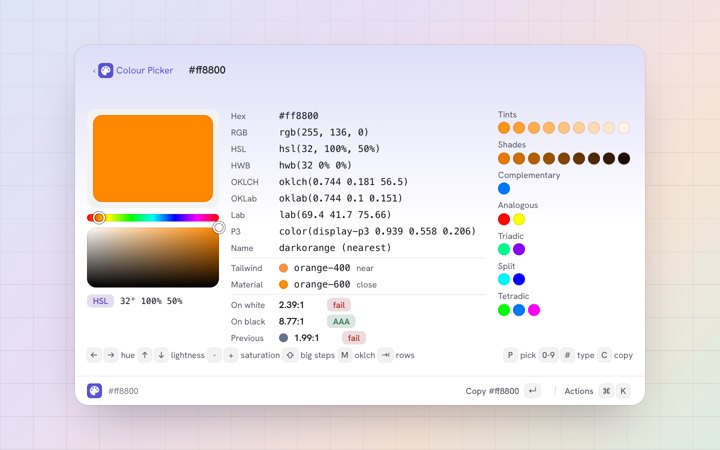
chr finds Chrome, 12 usd to try is answered at the root by Calculator, #ff8800 by Convert Colour, and Enter opens the picker.Timings on an Apple M5 Max, release build: notes/decisions.md and notes/matching.md in the repo.
Extensions
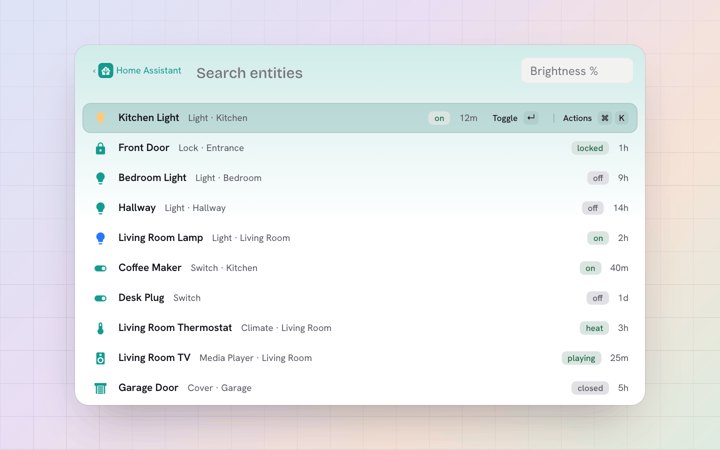
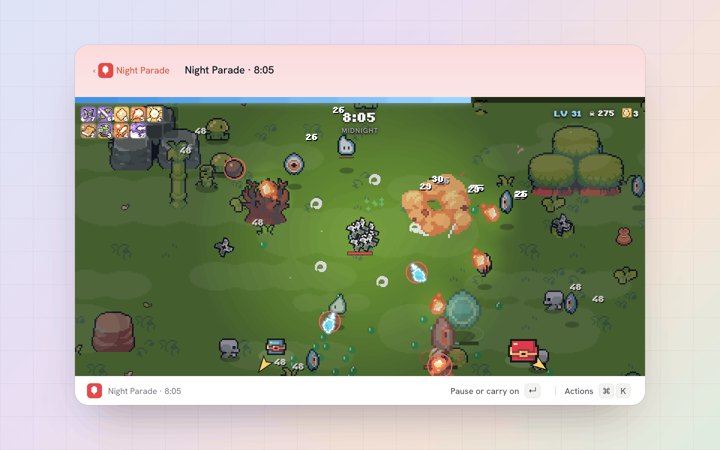
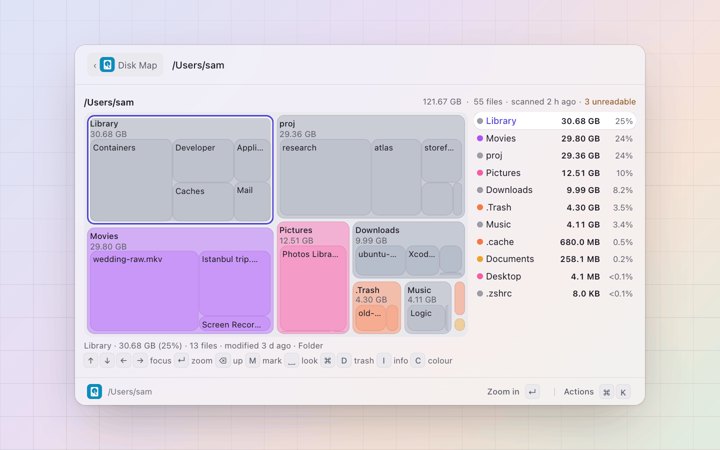
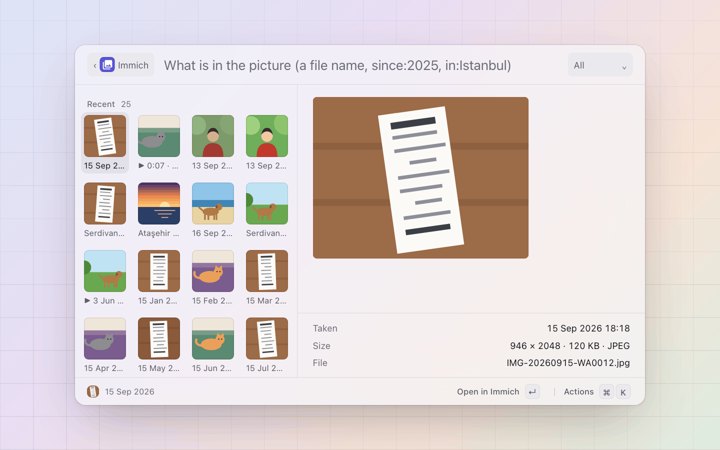
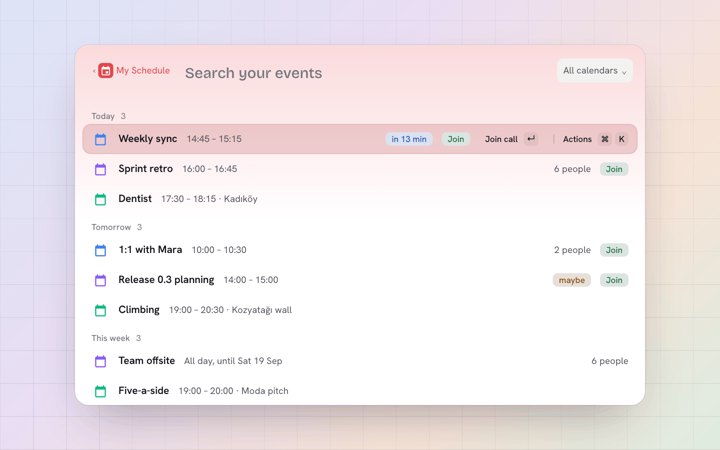
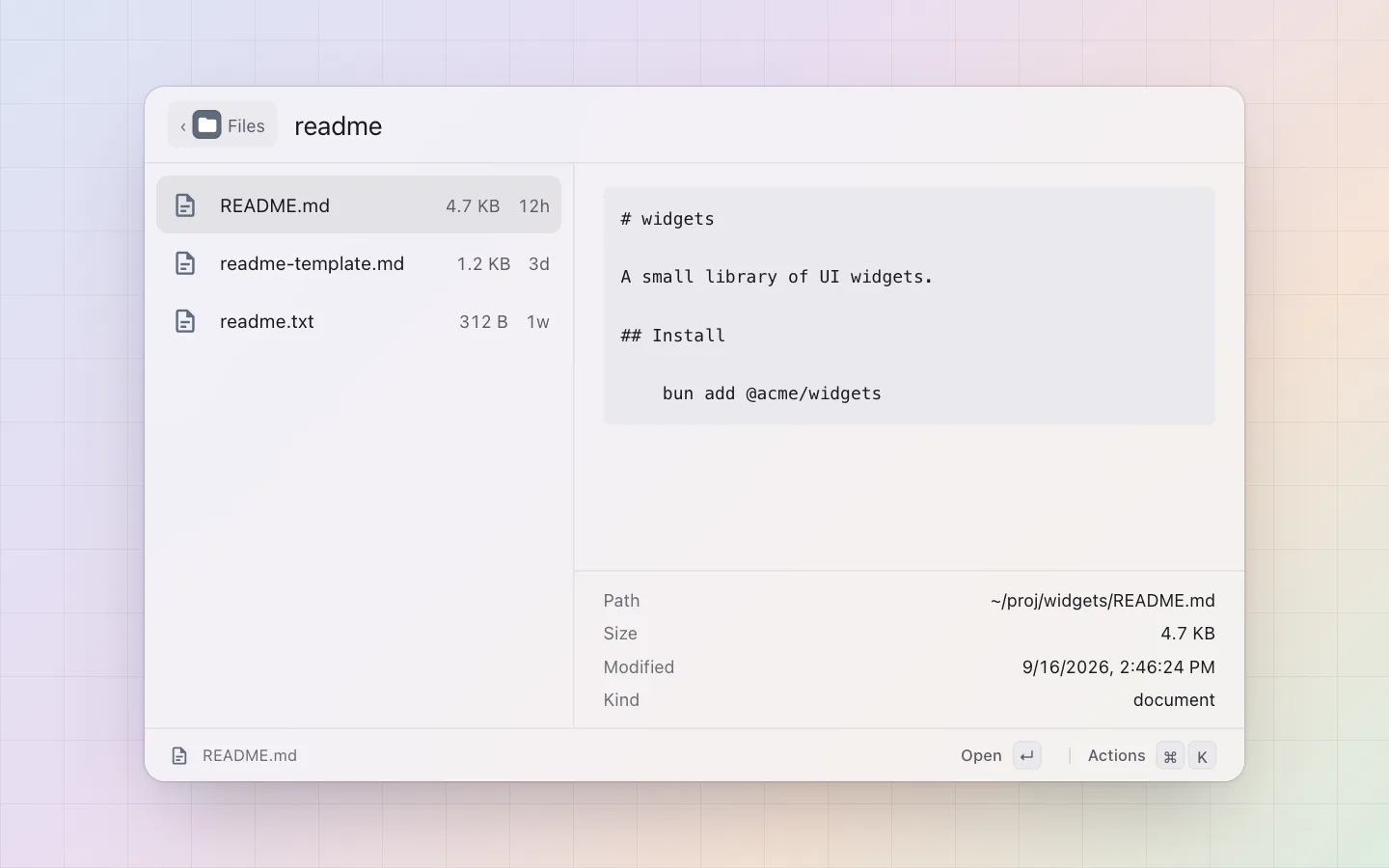
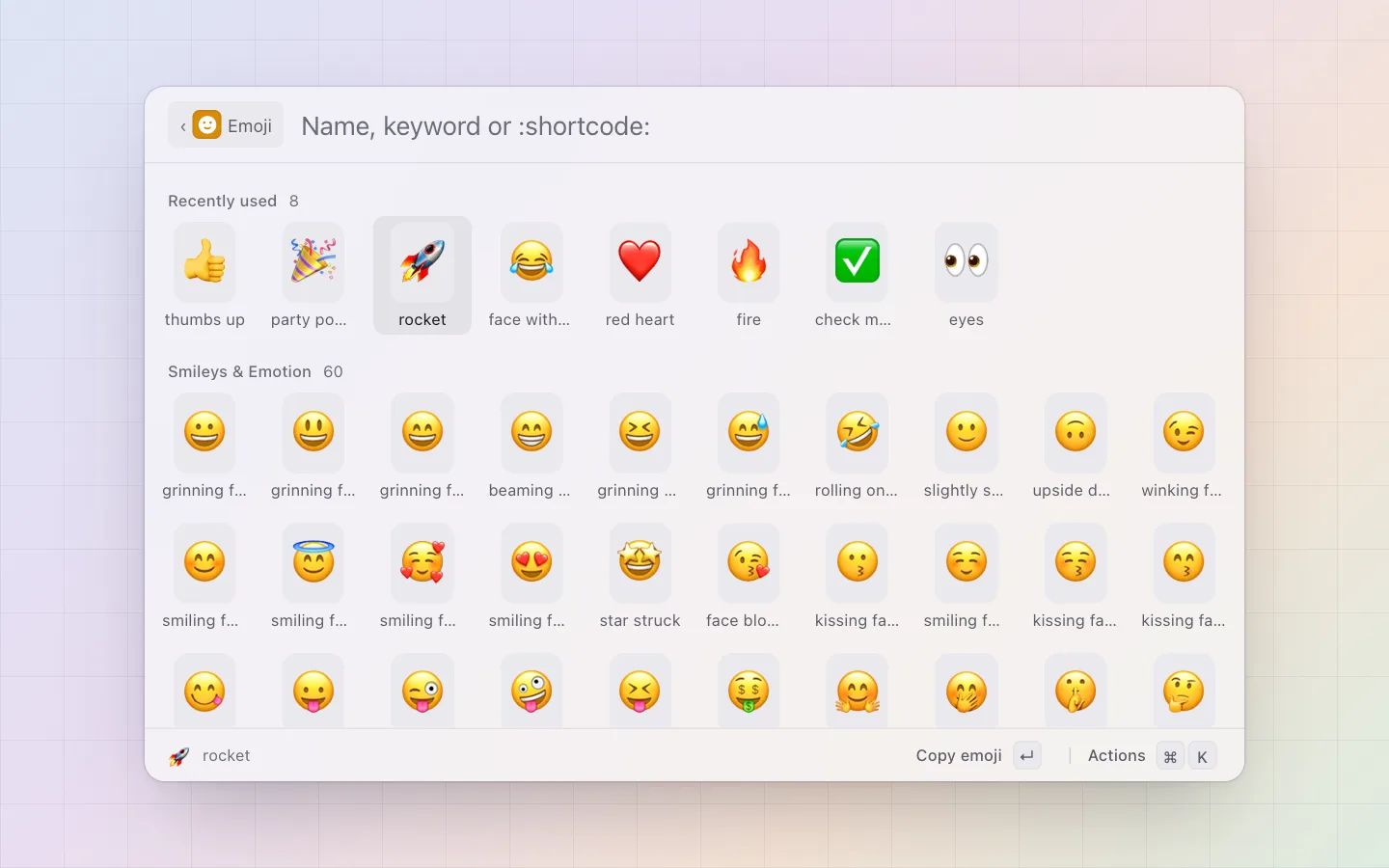
Everything in the panel is an extension: the same shape as one you would write, with a page that shows what it does before you install it. 34 come with pal; the other 54 are in pal's registry, one click from their page.
-
-
-
-
-
-


On the menu bar
An extension can put an item on the bar: render() answers a glyph, a short title, a badge, a progress fill, and the item takes no space while it has nothing to say. A click, a hotkey or a hover opens pal's own popover with a list, a menu or a view. The same item, the same popover, on sketchybar and on Linux bars. How bar items work.




One API, in TypeScript
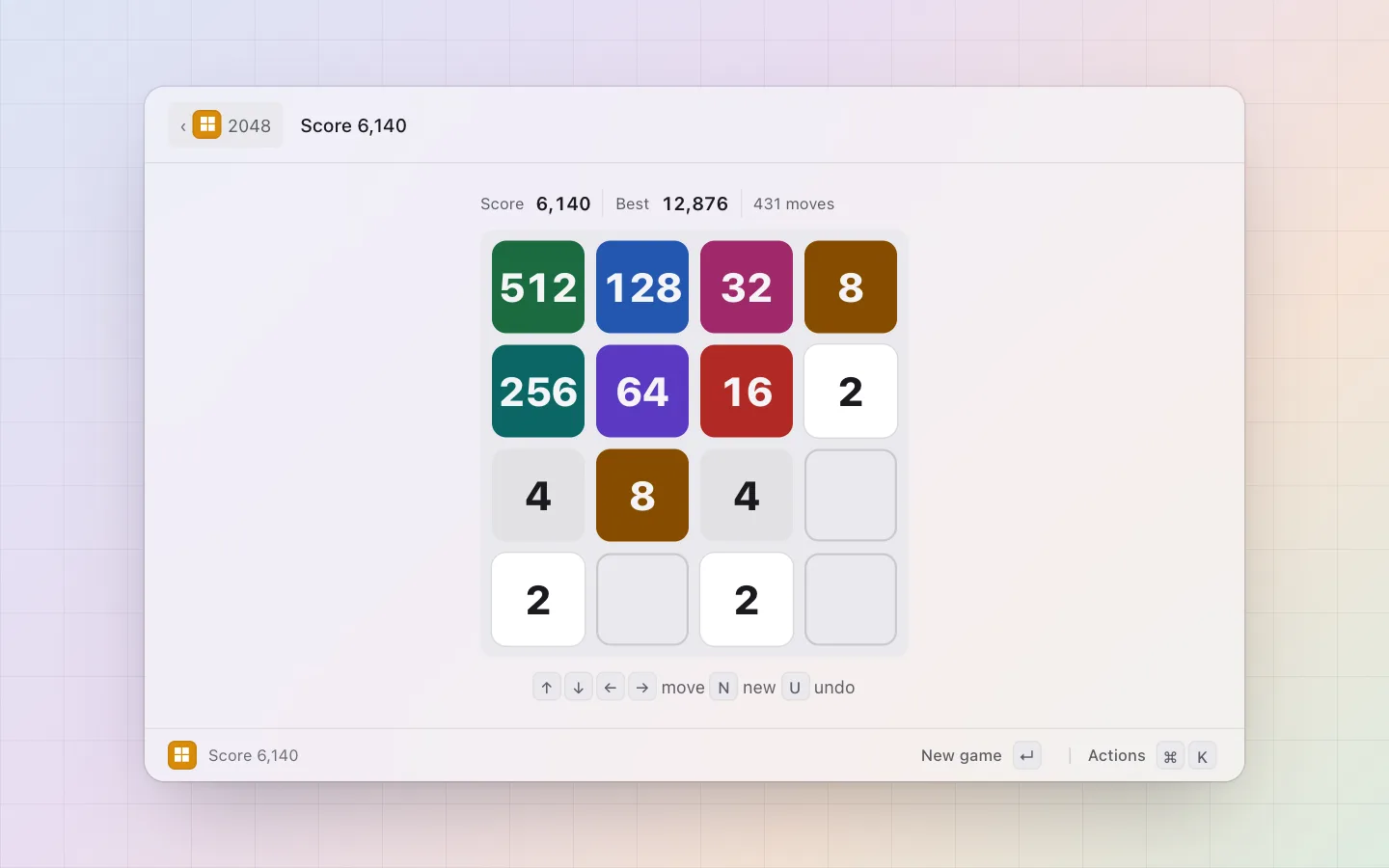
An extension is a directory with a pal.json and an index.ts. A palette answers list() with rows and pick() with an effect: copy, paste, open, a toast, a form, a deeper level, a view. The panel draws the list, the grid, the detail pane and the view; the extension never touches a pixel. A game is the one exception: it may bring its own page, run in a sandboxed frame inside the panel, as Snake II, Solitaire and Blackjack do.


import { defineExtension, settings, type Item } from "@zcag/pal";

export default defineExtension({
  palettes: {
    hello: {
      title: "Hello",          // the section label at the root; the manifest's tile is its icon
      list: (): Item[] => [    // rows; indexed unless `input: true`
        { id: "greet", name: "Hello, world", subtitle: "a row", icon: "👋", actions: [{ id: "copy", title: "Copy" }] },
      ],
      pick: (id, action) => ({ copy: "Hello, world" }),  // an Effect
    },
  },
});
pal install . copies the directory into the store and the host loads it; type hello in the panel. pal install github:user/repo takes anyone's. How extensions work, and the store, where every extension's page has its install line and its source.
The config is a file
One TOML file holds every setting: the hotkey, each palette's alias and hotkey, each extension's settings, secrets as references into the keychain. The Settings window writes the same file, a hand edit is picked up live, and a theme file recolours every window. Version-control your launcher; carry it to the next machine in your dotfiles.
# ~/.config/pal/config.toml
[general]
hotkey = "ctrl+space"      # global hotkey, or several; "" turns it off (bind `pal toggle` instead)
theme = "system"           # system | light | dark
theme_file = "catppuccin-frappe"
extension_dirs = ["~/dotfiles/pal-extensions"]   # extra extension roots, loaded after the store

[palettes.clipboard-history]
alias = "cb"               # an extra keyword on the palette's row at the root
hotkey = "ctrl+shift+v"    # opens pal straight inside this palette

[extensions.github]
token = "keychain:pal/github-token"   # a secret reference, never the value
Every key, with its default: Config. The first line of the real file points an editor at the JSON schema, so it completes and validates the keys.
The keyboard
One grammar everywhere: the root, a palette, the action panel, a form, the popover on the bar. ⌘ is Ctrl on Linux.
| ↓↑ | Move the cursor (⌃N ⌃P too) |
| ↵ | Run the primary action |
| ⌘↵ | Run the secondary action |
| ⌘K | The action panel: every action the row has, with its shortcut |
| esc | Close the action panel, else clear the query, else go back a level, else hide |
| ⇥ | Cycle the filter dropdown, when the palette has one |
| ⌘I | Toggle the detail pane |
| ⌘1 to ⌘9 | Jump to a row |
| ⌘⇧B | Browse the palette a result came from |
| ⇧↓ | Mark several rows; ↵ runs one action over all of them |
The whole grammar, and what the shell adds: Keyboard. A palette's alias and a space jump into it with the rest typed there: em cat, calc 2+2.
Linux too
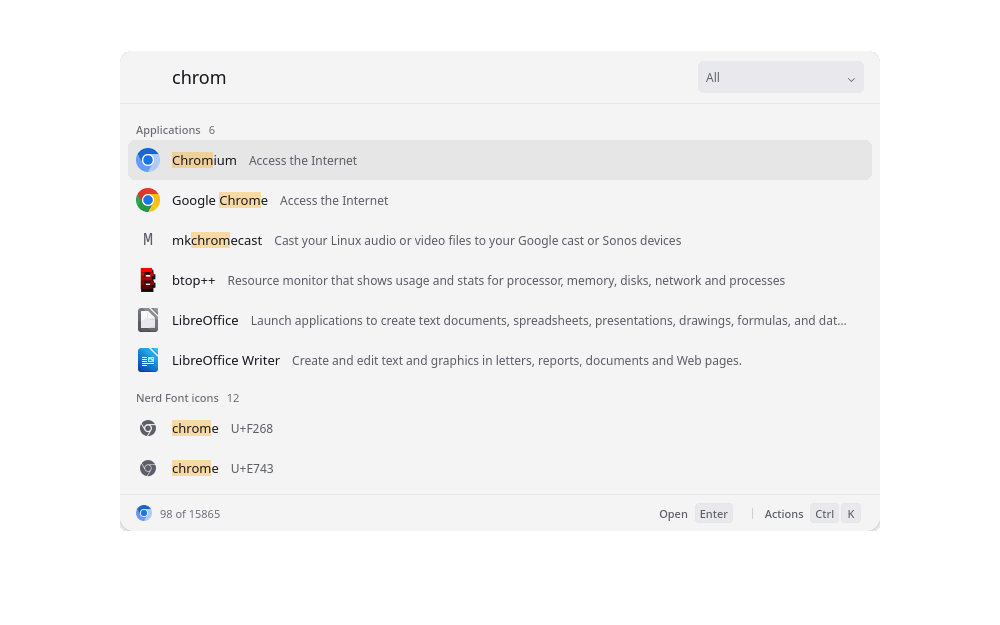
.desktop files, Nerd Font icons as rows, Ctrl K where a Mac shows ⌘ K.The same app: one binary, the extension host and the extensions next to it, as an AppImage or a deb. The tray icon wants an SNI tray (waybar's tray module, for one); without it everything else still works.
Wayland has no global hotkey API, so the compositor binds the panel instead: bind = CTRL, space, exec, pal toggle on Hyprland, and hotkey = "" in the config. The three window rules that float and place the panel are in Getting started.
Open source, free
MIT, at github.com/zcag/pal: the Rust core, the React panel, the Bun extension host, the @zcag/pal SDK and every extension, one directory each. No account, no sign-in, no pricing page; the update check is one config key away from off. Read any extension's source from its store page before you install it.
Download
v0.17.4. macOS 11 or newer, Apple silicon (Intel build). Linux as an AppImage (deb). What's new.
| macOS, Apple silicon | pal_0.17.4_aarch64.dmg |
| macOS, Intel | pal_0.17.4_x64.dmg |
| Linux, any distro | pal_0.17.4_amd64.AppImage |
| Linux, Debian and Ubuntu | pal_0.17.4_amd64.deb |
macOS 11 or newer. The releases are signed with pal's own certificate, not notarised by Apple, so Gatekeeper refuses the first launch: xattr -dr com.apple.quarantine /Applications/pal.app, or Open Anyway under Privacy & Security. The AppImage bundles WebKitGTK and is about 140 MB; the deb is 44 MB and depends on libwebkit2gtk-4.1-0. Everything else: Getting started; what changed in each release: the changelog.